Draft a Smart Disclosure
1
Create a document
Open Documents and click Create New Document.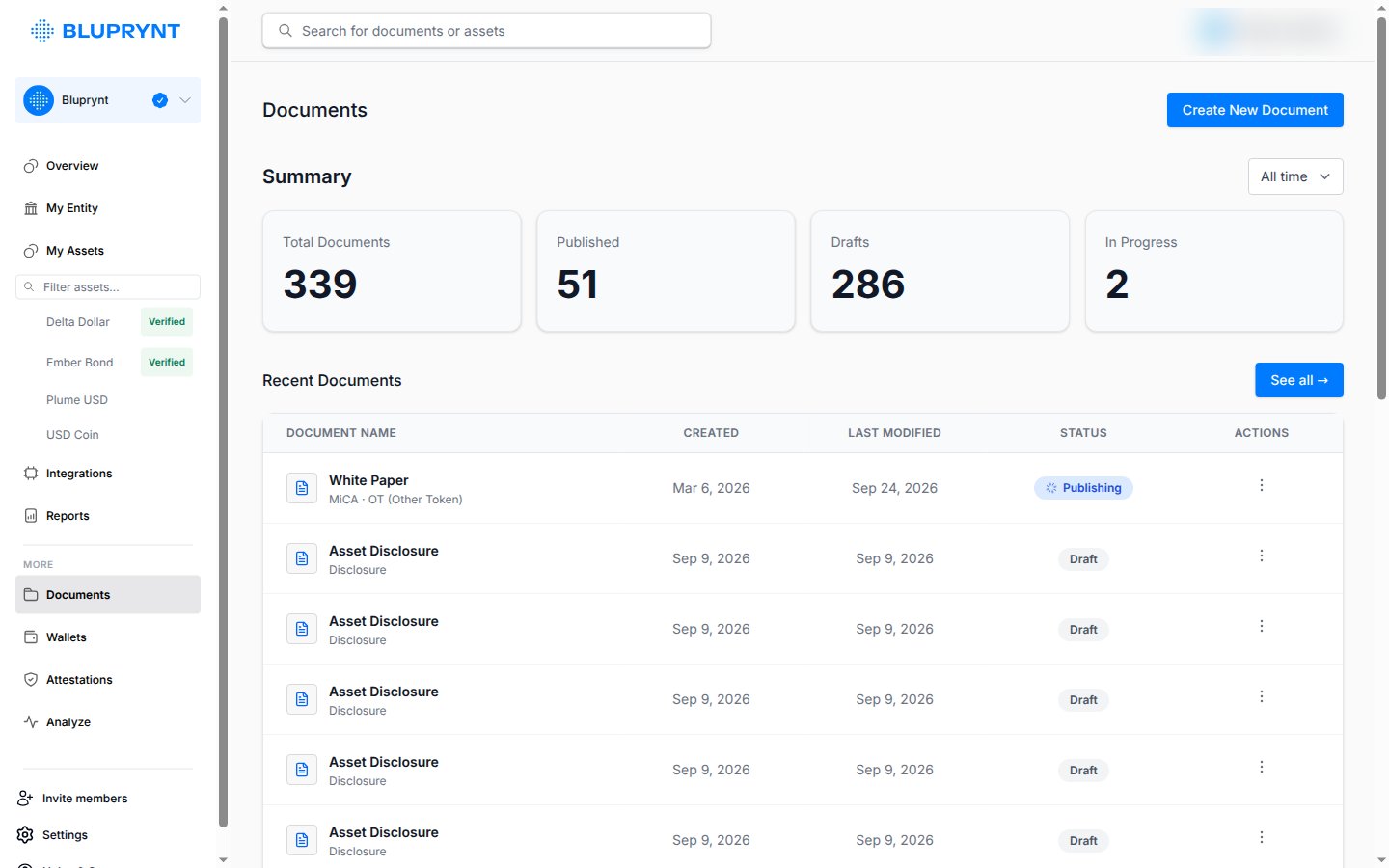
Creating documents needs an active Bluprynt subscription. Passport prompts you to upgrade if your organization doesn’t have one.
2
Answer each section
The form shows the questions for your jurisdiction and asset type.
3
Publish
Publish the finished document. You can unpublish it later.
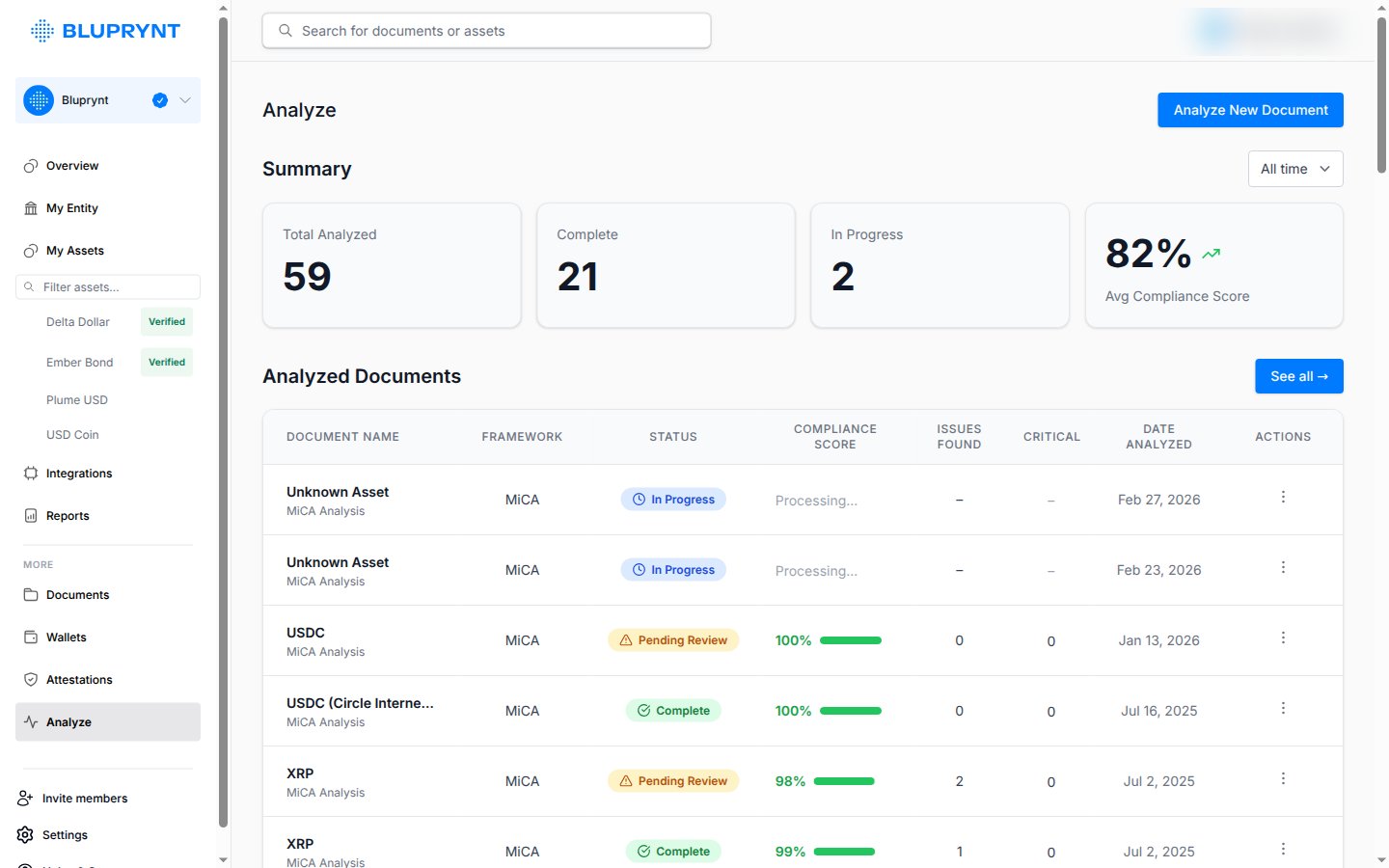
Check a white paper against MiCA
Open Analyze, click Analyze New Document and upload the white paper. Bluprynt flags missing or weak sections and gives you a report to download and share with your advisors.