

1
Sign in
Go to app.bluprynt.com and sign in, or choose Sign Up to create a login.
2
Create the organization
Open Settings → Organizations and click Create organization. One login can belong to several organizations, each with its own role.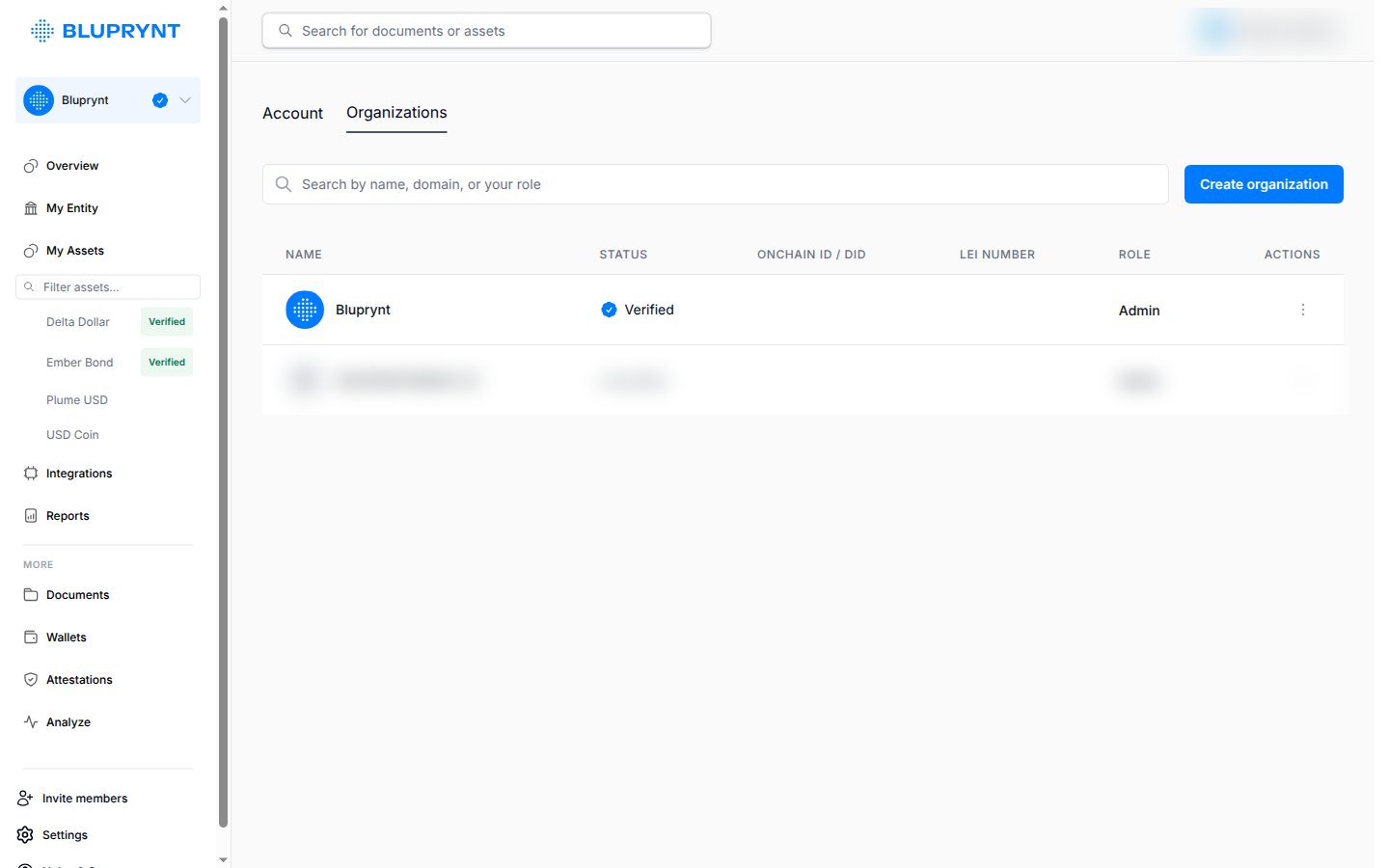
3
Complete KYB
Provide your legal entity details. When the check passes, the overview shows Entity verified · KYB and My Entity shows the entity of record.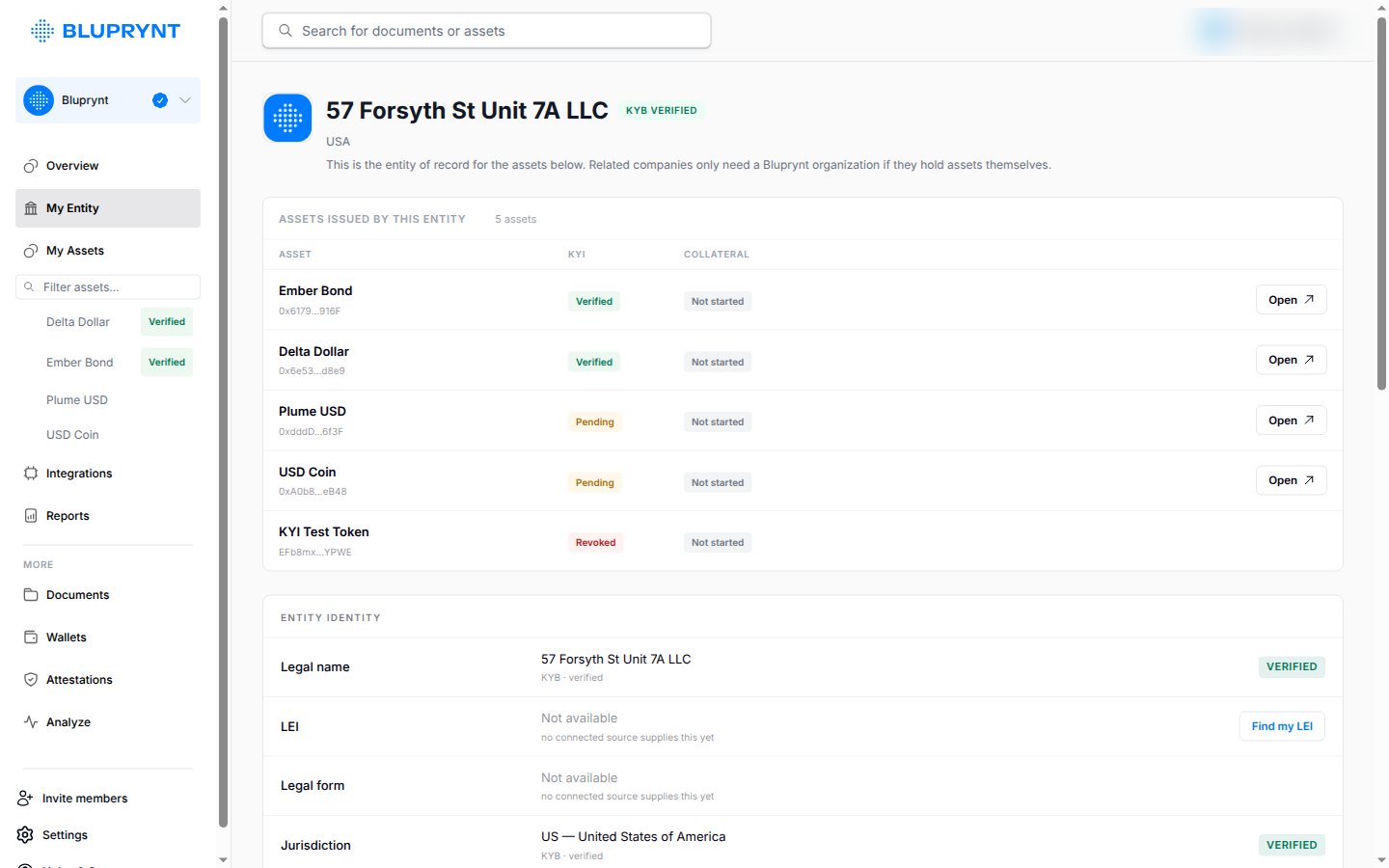
4
Invite members
Click Invite members at the bottom of the sidebar, then enter each person’s email and role.