

Build a form
Open Form manager and click Create form. The builder has five steps: Form details, Credential type, Form builder, Approval workflow and Review & publish.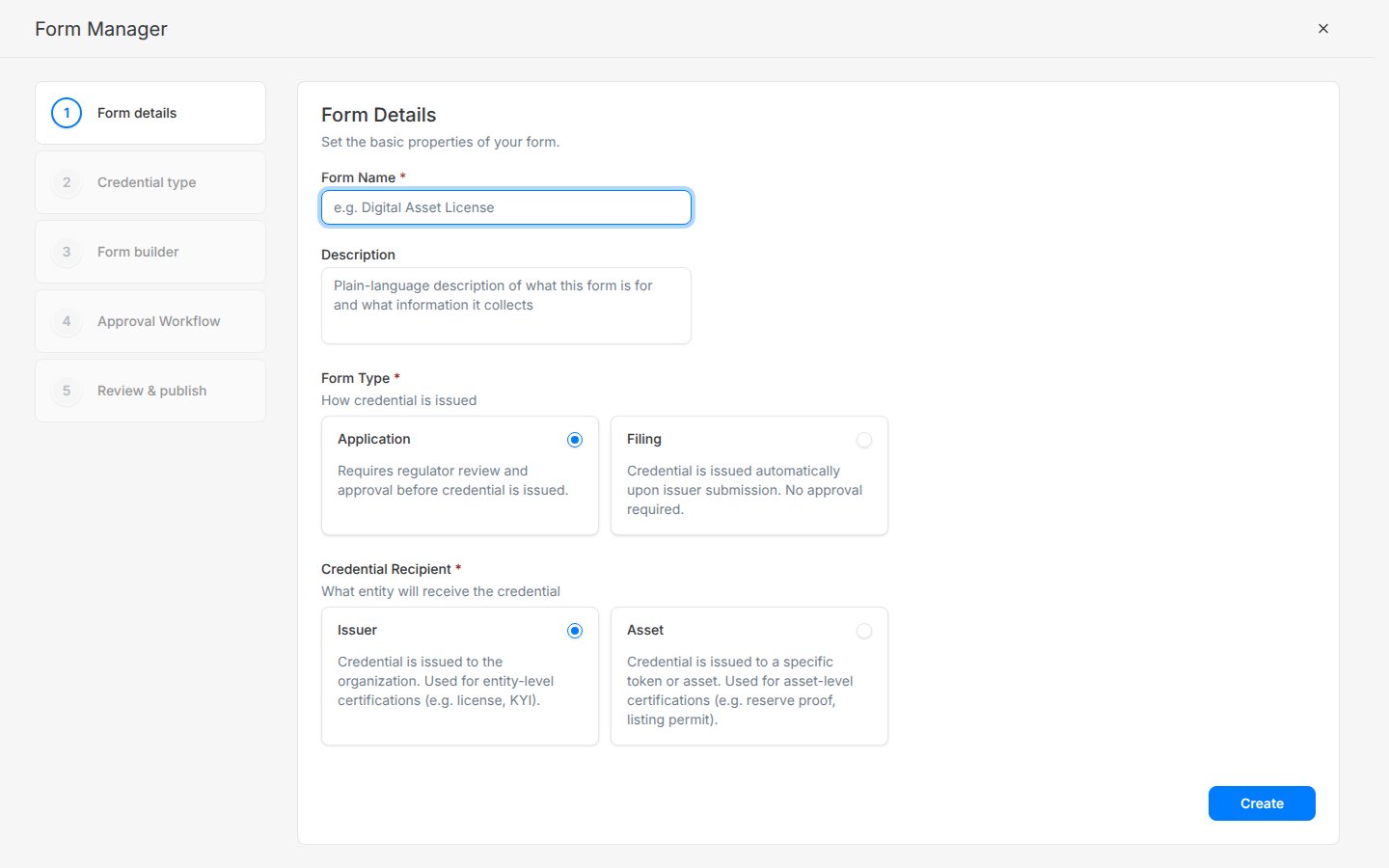
Review an application
1
Pick it up
Open Applications. New submissions show Pending review. The assigned reviewer clicks Accept to move it to In review.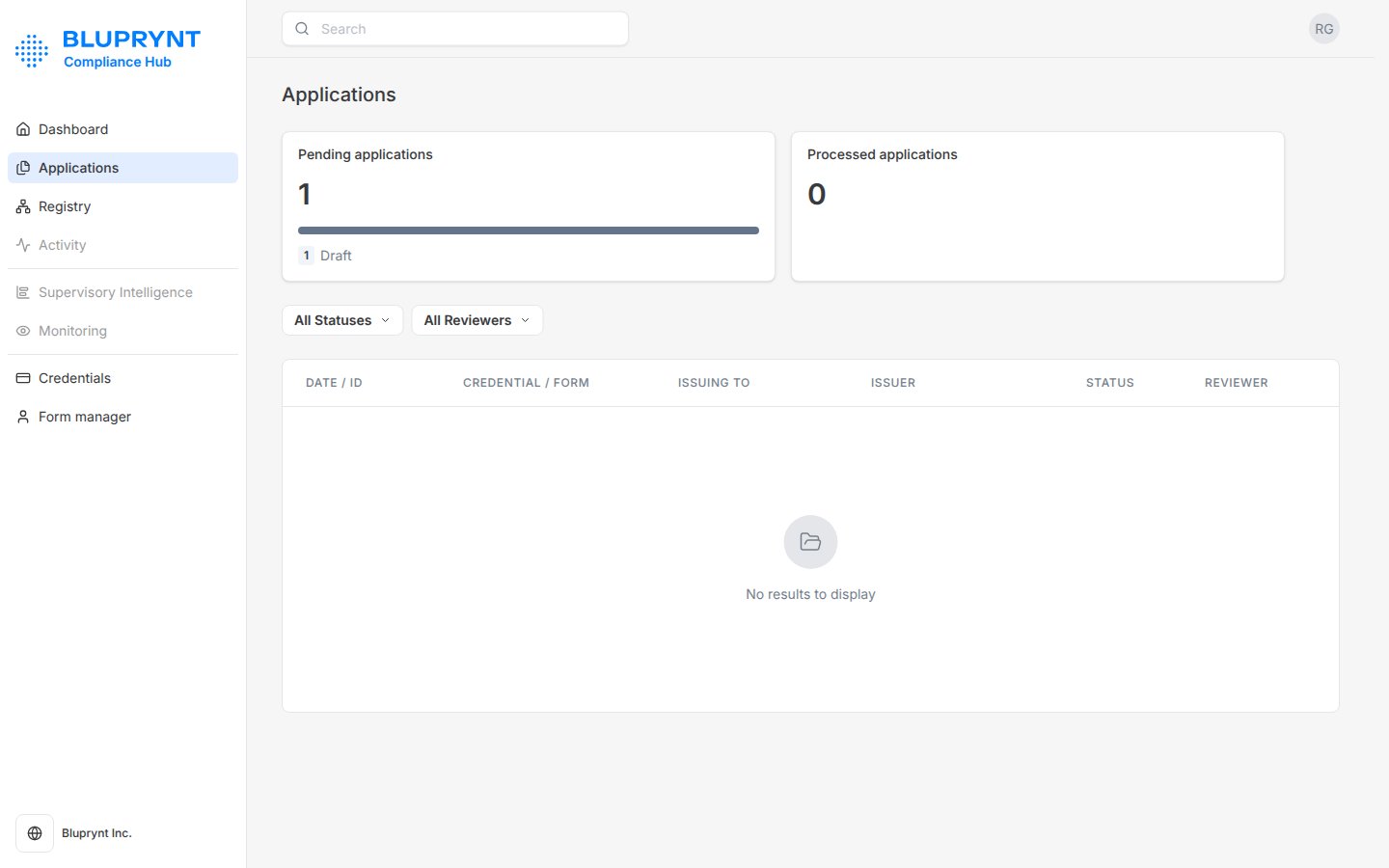
2
Read the submission
Open the application to see the issuer details, asset details, each form section and the uploaded documents.
3
Decide
Choose Approve to issue the credential, Decline to reject it, or Request for information to send it back to the issuer.