

Key concepts
How it works
A404 is a meaningful answer: the token is not KYI-verified — or it’s verified on a different chain. The same address can exist on several chains, so always include the chain.
Look up one asset
Look up by CAIP-10
Replace the: separators with /. This form covers chains without a short name:
Response reference
Real response (Plume USD, trimmed)
token_details
authorities[]
business_details
Top level
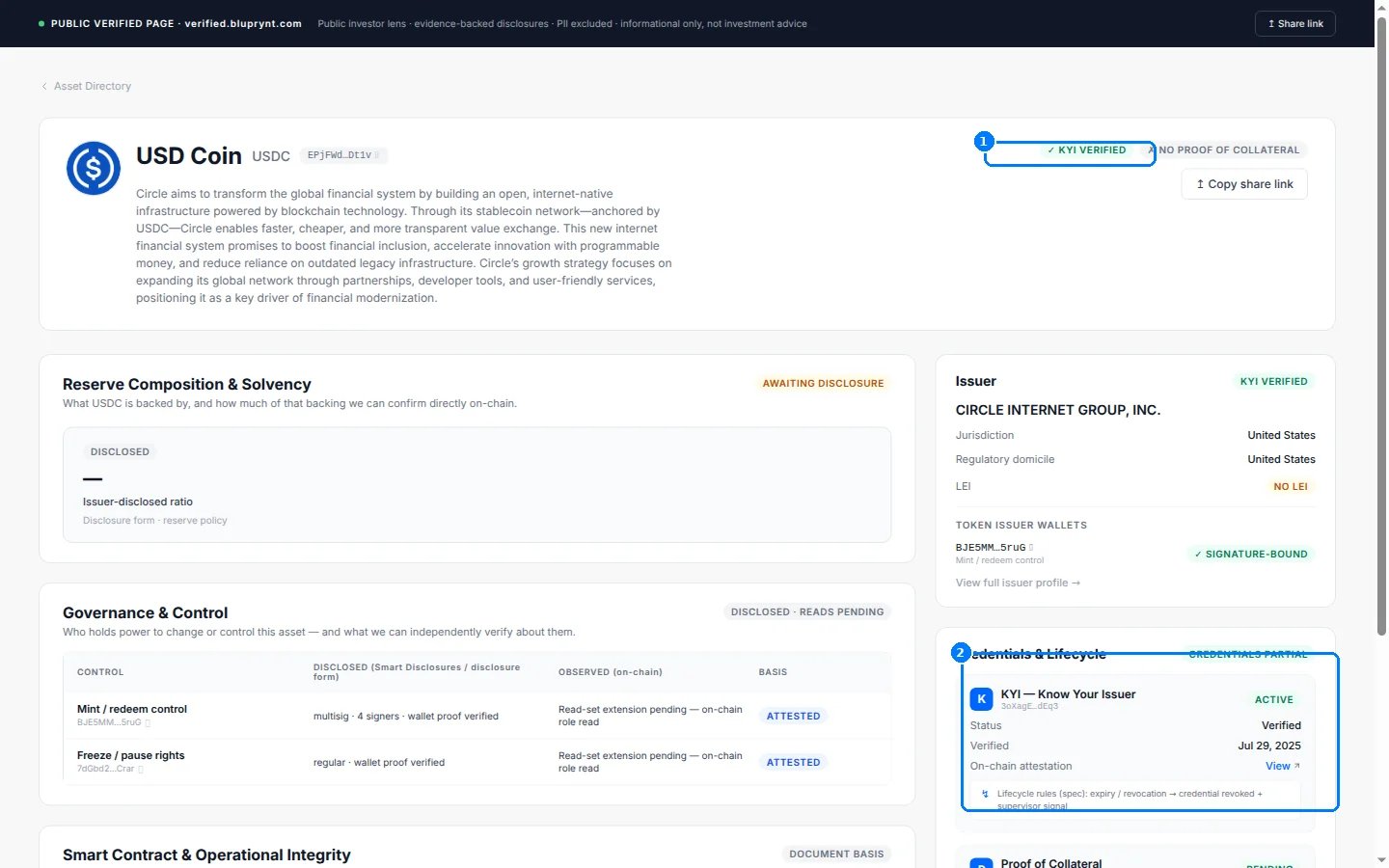
The page behind asset_url for USD Coin on Solana.
List every verified asset
GET /assets returns the full set, paged:
Response shape
meta.total is the full verified count, so loop until page_number covers it.
Errors
See Errors for the full table.
FAQ
What does a 404 mean for a token I know exists?
What does a 404 mean for a token I know exists?
The token exists on-chain but isn’t KYI-verified, or you asked on the wrong chain. Token addresses repeat across chains — check the same address on other chains before concluding it isn’t verified.
Which chains can I pass as {chain}?
Which chains can I pass as {chain}?
The spec lists
solana, ethereum, base, plume, sepolia and avalanche. For anything else use the CAIP-2 form, which accepts any namespace and reference.Is the data real-time?
Is the data real-time?
The record is the current verified state. Values change when an issuer updates their disclosure or when a verification is renewed or revoked — fetch at display time rather than caching.
Related
- Token KYI lookup — address or CAIP-19 lookup with per-authority proof detail
- Badges — render the verification state as an image
- Recipe: KYI badge — the end-to-end exchange-UI walkthrough